Research Project
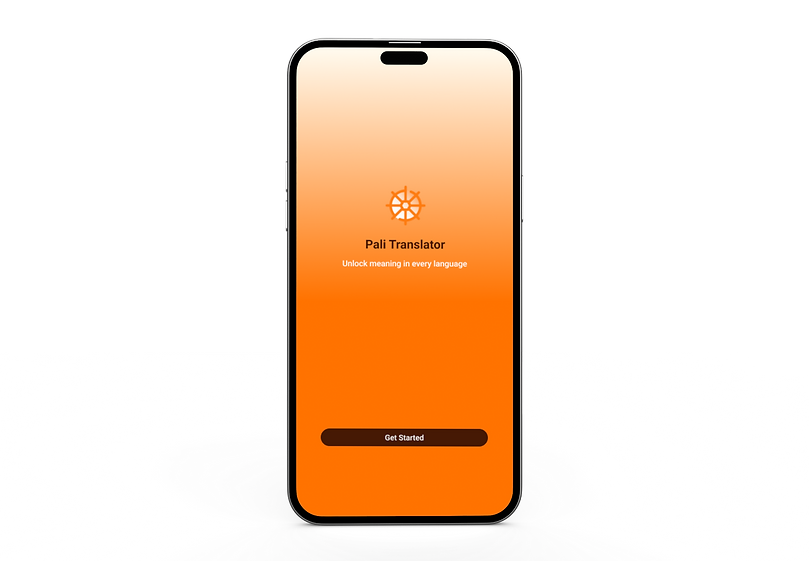
Pali Translator
A mobile app designed to simplify translation of the Pali language into modern languages with a clean and user-friendly interface.

Project Overview:
Pali Translator is a mobile application designed to help users translate the Pali language into modern languages in a simple and accessible way. Pali is an ancient language, and most existing tools are either complex or not easily accessible for beginners.
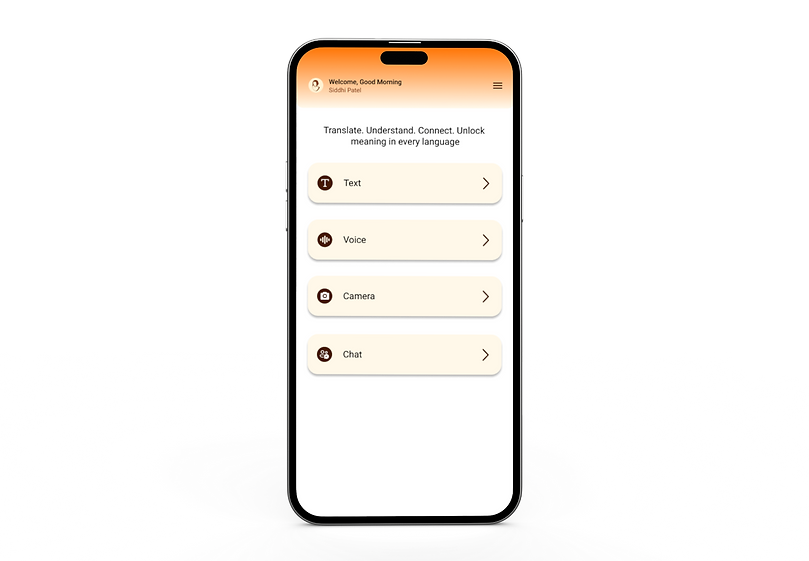
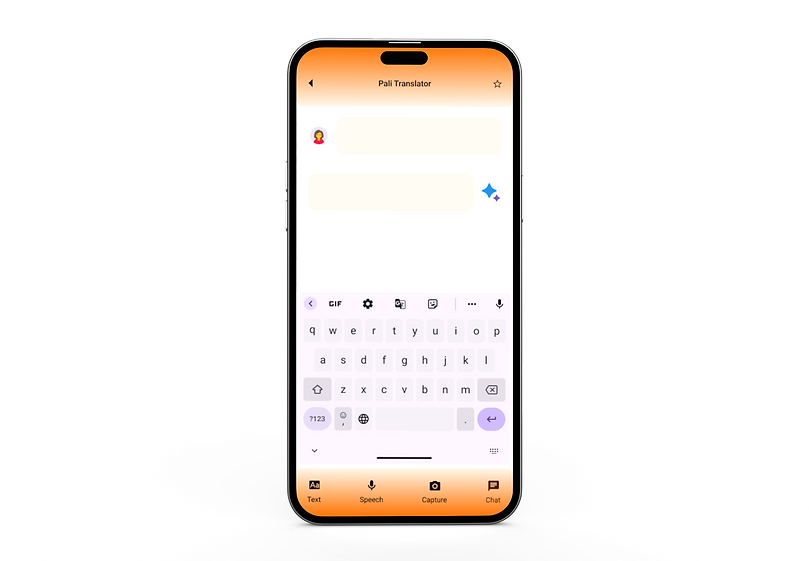
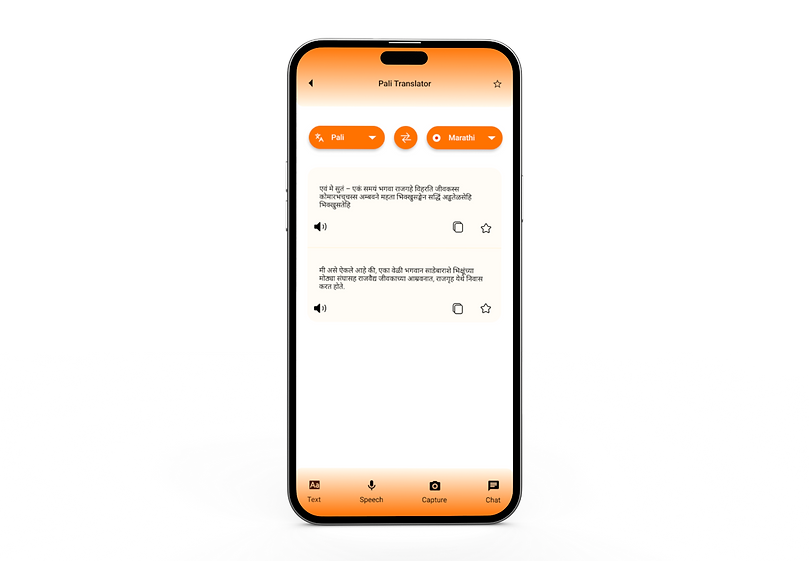
This project focuses on creating a clean and intuitive interface that allows users to quickly input text and get accurate translations. The goal was to design a simple translation experience with minimal steps and clear interaction.
Problem Statement:
Visually impaired users often face challenges while navigating independently in public spaces. They rely on traditional tools like white canes, which do not provide information about obstacles, directions, or indoor navigation. This increases the risk of accidents
and limits their independence. There is a need for a simple and accessible solution
that provides real-time navigation support using multiple sensory inputs such as voice
and vibration.
Target Users:
Primary Users: Students learning Pali language, Researchers and scholars
Secondary Users: Language enthusiasts, Users interested in ancient texts
Roboto
Roboto
Roboto
Roboto
Roboto
Roboto
Roboto
Thin
Extra Light
Light
Regular
Medium
Semi Bold
Bold
Typography & Colors:
Typography:
ROBOTO
abcdefghijklmnopqrstuvwxyz
ABCDEFGHIJKLMNOPQRSTUVWXYZ
!@#$%^&*()_+-={}[]:";'<>,.?/
Colors:
#FF7300
#FFF2D3
#461904
#FFFFFF
#FFD2A7
#000000
User Flow:
The user flow of the Pali Translator app is designed to be simple and efficient, allowing users to complete translation in minimal steps.
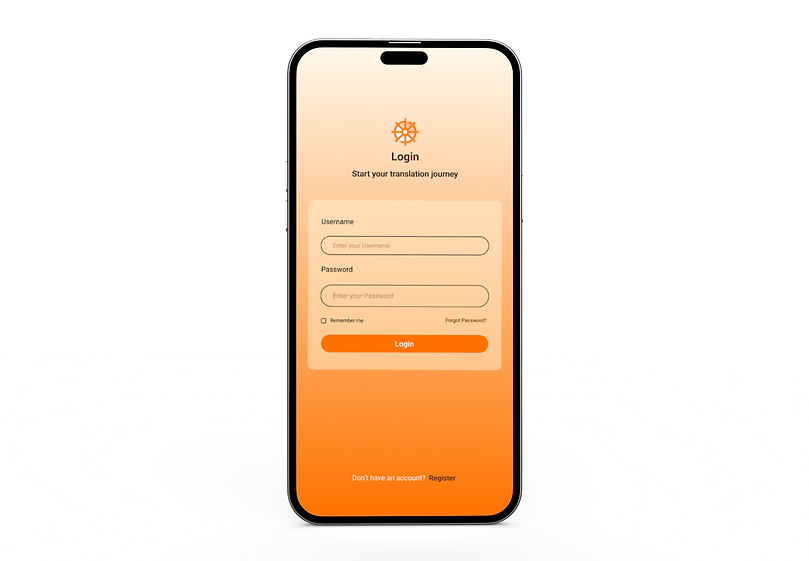
1. The journey starts when the user opens the app and lands on the welcome or login screen. After accessing the app, the user is taken to the main translation screen.
2. Here, the user enters or pastes the text they want to translate and selects the desired language. Once the user taps the translate button, the system processes the input and displays the translated output.
3. Users also have the option to save or favorite translations for future reference.
4.The flow focuses on reducing complexity and ensuring a smooth experience from input to output.
5. Additionally we can also add image for translation. By uploading the image and clicking a translate button.
┌──────────────┐
Start
└──────┬───────┘ ┌──────────────┐
Open App
└──────┬───────┘ ┌──────────────┐ Welcome / Login
└──────┬───────┘ ┌──────────────┐ Translation Screen └──────┬───────┘ ┌──────────────┐
Enter Text
└──────┬───────┘ ┌──────────────┐
Select Language
└──────┬───────┘ ┌──────────────┐ Translate
└──────┬───────┘ ┌──────────────┐ Output
└──────┬───────┘ ┌──────────────┐ Save / Favorite? └──────┬───────┘ ┌──────────────┐
End
└──────────────┘
UI Interfaces:


Tools Used:

